
Back to Blogs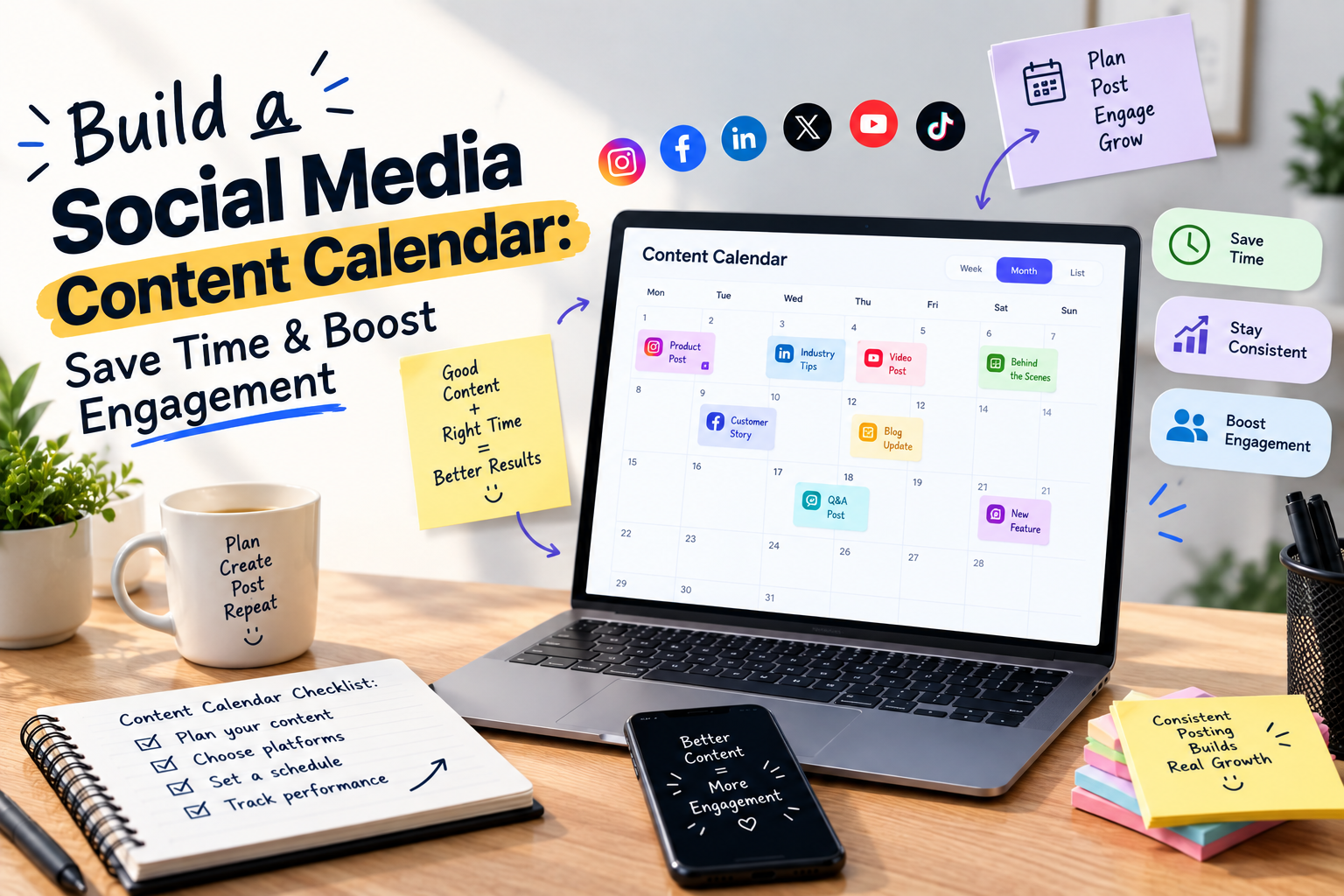
Build a Social Media Content Calendar: Save Time & Boost Engagement
To build a social media calendar, you need to start with clear goals. Choose the platforms you want to use, decide how often you'll post, and organize your content by date, topic, and format.
Along with that, you also need to learn how to schedule social media posts.
Choose the best posting times, prepare your captions and visuals, and use AI to schedule them automatically.
This helps you stay consistent, reach your audience at the right time, and manage multiple social media accounts more efficiently.
What Is A Social Media Content Calendar?
A social media calendar is a strategic plan for all your upcoming social media posts across all platforms.
It has pre-scheduled dates and times. You also include:
- Links
- Tags
- Captions
- Images
- Videos
If you're new to learning how to schedule social media posts, start by identifying your goals, audience, and posting frequency.
A content calendar helps you publish consistently without rushing to create content every day.
How To Build A Social Media Content Calendar?
A social media content calendar is a plan that directs the social media efforts that have been planned.
It enables you to prepare your content and distribute it throughout the working days in several networks, always with a coherent appearance.
Learning how to use AI in social media marketing can help you create content faster, improve consistency, and save valuable time.
1. Set Your Content Goals And Objectives.
This first step in curating a social media content calendar is not just about identifying and setting specific goals; it's about setting the stage for your future success.
Understand what you want to achieve through your social media posts:
- Do you want to create brand awareness?
- Do you want to generate leads?
- Do you want to enhance customer engagement?
2. Decide Your Content Theme.
Once you have identified your specific goals for your postings, it is time to design your content theme, which includes the following:
- Determine what you want to achieve through your posts.
- Determine the type of content you will be posting (blog, post, videos, ads etc.)
- Choose your social media platform to post your content.
- Understand your target audience’s preferences.
- Select the theme of the content (educational, promotional, entertaining, etc.)
Understanding these requirements will help you design a content calendar that resonates with your overall strategy.
3. Conduct A Thorough Social Media Audit.
Before creating your calendar:
- Surf the internet
- Conduct a mini social media audit
- Check recent posts
- Analyze how the target audience has reacted to them,
- Pinpoint some strengths and weaknesses
Conducting an audit will help you curate content that resonates with your target audience’s needs and preferences, eventually building customer satisfaction and engagement.
4. Create A Social Media Content Calendar Template.
Now, you are all set to start creating your content calendar. But first, create your template, which you will use to make your calendar. You can either use any tool or create one for yourself.
5. Choose Your Social Media Platforms.
Track and analyze your target audience; based on that, select the platform on which you will post your content.
Choose the platform where your target audience is most active to concentrate your efforts.
If you are unsure which social media post to use, track your competitors' posts to determine what to post on which platform.
6. Plan Your Content Calendar.
Once you are done with understanding your goals, theme, and social media platforms to post, you are all set to plan your content calendar:
- To start, figure out which events or special days relating to your business or target audience are happening.
- Then, decide how often you will post on each social media platform. Ensure that you maintain an adequate balance and remain consistent with your postings.
- Brainstorm ideas for your content theme, such as pictures, articles, etc., and assign them to specific dates and times.
- You should also consider captions, hashtags, links, and calls to action when organizing your plan. The more information you feed into your content creation, the easier the process will be.
Time-Saving Social Media Content Calendar Tips
- Complete your social media calendar in one sitting rather than pieces over the month. You can make necessary changes over the month if required.
- Keep track of your content ideas. Write down ideas on any notepad or tools like Pocket or Evernote.
- Leverage content calendar tools such as Hootsuite, Sprout Social, Google Sheets, Sprinklr Social, or Buffer to allow posting in advance.
- Experiment with different types of content to figure out what type of content your audience approves of most.
- Engage with your followers by responding to their comments or messages, or whenever you are mentioned would help foster healthy customer relations.
How To Schedule Social Media Posts?
1. Define Your Goals.
Determine what you want to do with your social media accounts:
- Brand awareness
- Engagement
- Web traffic
- Leads
2. Track Your Audience.
Analyze when and where your target audience comes live.
Track and learn about the peak activity slots and the domains your audience is likelier to engage in.
This will help you plan when your posts should go up.
3. Plan How Often You Will Be Posting.
Determine the frequency of posting on every social platform that will be created.
Here are some general guidelines:
- Instagram: Between 3 and 5 posts a week.
- Instagram Stories: Post two times per day.
- Facebook: Post twice a day.
- X (Twitter): Post twice or three times daily.
- LinkedIn: Between 1 and 2 times per day.
- Threads: Between two and three times a day.
- TikTok: At least 3 – 5 times a week.
- Pinterest: At least once a week.
4. Create Your Content Calendar.
After you decide on goals and the frequency of your posts, it is useful to create a content calendar with your posts.
This will assist you in management and also increase your chances of posting the correct type of content at the right time.
5. Track And Analyze Your Post Results.
However, to evaluate the performance of your social media strategy, track and analyze your post results to measure their effectiveness.
This includes measurements such as:
- Engagement
- Number of followers
- Conversion rates
You need to use this information to improve your approach and adjust your posts for greater effectiveness.
How To Use AI In Social Media Marketing?
AI has made social media marketing faster and more efficient. Instead of spending hours planning and writing content, you can use AI tools to generate ideas, write captions, and organize your posting schedule.
AI can support almost every step of your content planning process:
- Generate fresh content ideas in seconds for every platform.
- Write captions that match your brand voice and audience.
- Create hashtag suggestions based on your topic.
- Repurpose blogs into social media posts quickly.
- Plan content around holidays and trending topics.
- Analyze post performance and recommend improvements.
AI helps save time, but it should not replace human creativity.
Always review AI-generated content before publishing to make sure it matches your brand and is factually correct.
You can combine AI with a Social media content calendar template to plan, edit, and schedule your posts more efficiently.
Summing Up!
Following the steps outlined in this blog will enable you to design a good and efficient social media strategy. Implementing a social media calendar will likely improve your productivity, save time, and increase the engagement rate of your content.
If you’re looking to grow your career in social media marketing and gain hands-on experience, join our team to learn content planning, social media management, and digital marketing strategies through real projects.
Contact us to explore internship opportunities and start building your professional skills
FAQs
Common Questions
A social media content calendar is a plan that organizes upcoming posts, captions, visuals, and publishing dates across different platforms.
Set goals, understand your audience, choose platforms, plan content themes, schedule posts, and track results to create an effective calendar.
Posting frequency depends on the platform. Create a consistent schedule based on your audience activity and content goals.
AI helps create content ideas, write captions, suggest hashtags, analyze performance, and save time during the social media planning process.
Yes, Werx Vision offers social media marketing internship opportunities in Karachi for individuals who want hands-on experience in content creation, social media management, and digital marketing.